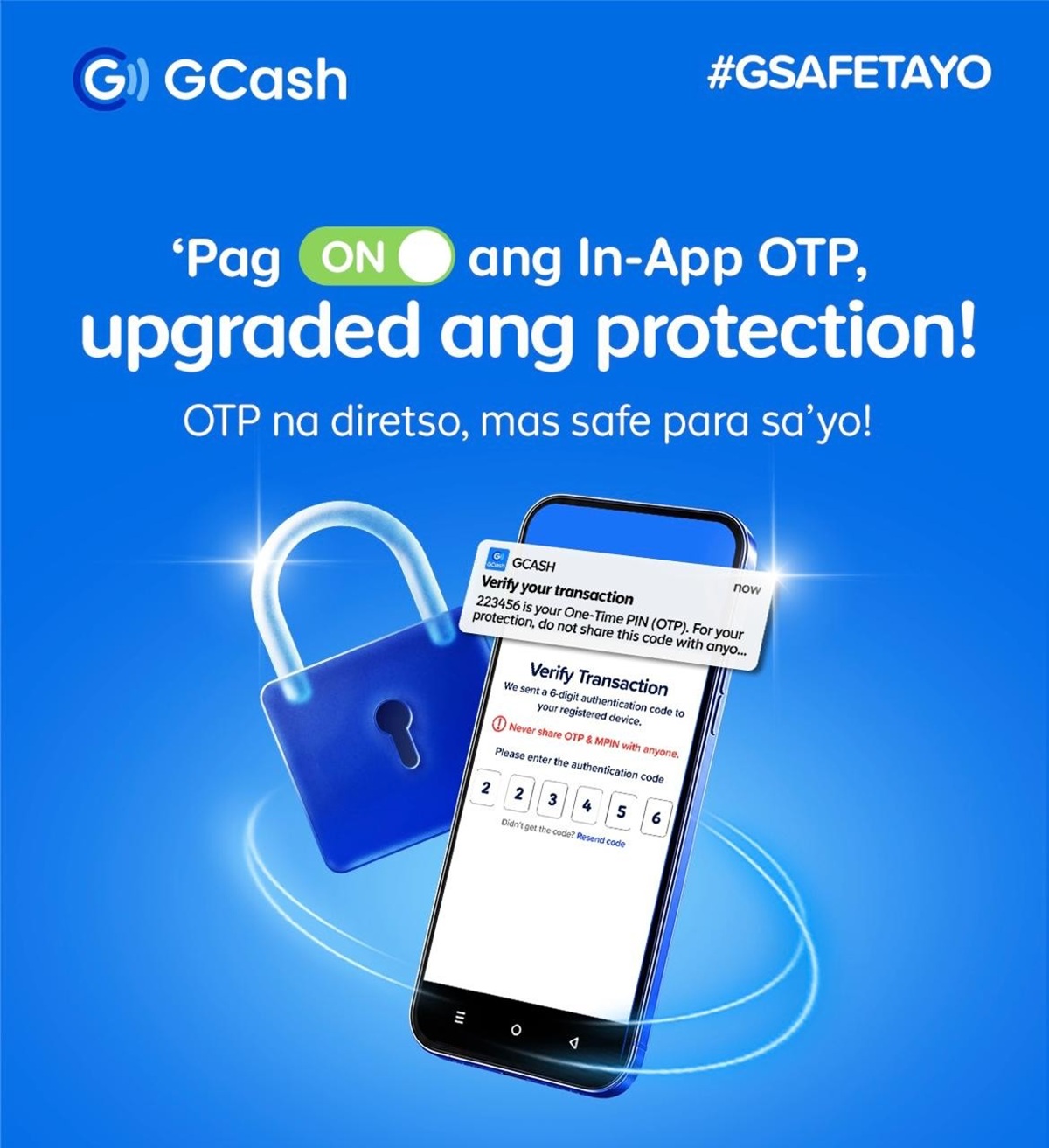
To strengthen account protection and make digital transactions safer, GCash is encouraging users to switch to In-App One-Time Pins (OTPs), providing a faster and more secure way to verify transactions directly within the app.
In-App OTPs offer an added layer of protection against SMS-based scams by delivering verification codes directly through the registered GCash app. This ensures that only the account owner can receive and approve verification requests. Aside from improving security, the feature also makes transactions more convenient by eliminating the need to switch between apps, manually enter codes, or wait for SMS messages to arrive.
This initiative forms part of GCash’s broader strategy to reinforce platform security through Multi-Factor Authentication (MFA), a widely adopted industry standard that adds multiple layers of protection when accessing an account. By requiring additional verification, MFA helps reduce the risk of unauthorized account access, even when passwords or MPINs have been compromised.
GCash continues to invest in advanced security measures to safeguard its users, including Know-Your-Customer (KYC) verification and Facial Recognition verification (Double Safe). In-App OTPs further strengthen these existing safeguards, offering enhanced protection without adding unnecessary steps to the user experience.
As digital scams continue to evolve and become increasingly sophisticated, GCash remains committed to continuously improving its security systems and raising the standard for safe and secure digital financial services in the Philippines.
Here’s a Quick Guide on How to Enable Push Notifications for the GCash App:
Step 1: Go to Settings
Open the Settings app on your mobile phone. This is where you can manage the alerts and notifications sent by the different applications installed on your device.
Step 2: Select “Notifications”
Under Settings, tap “Notifications” and find GCash from the list of installed apps. Select it to access the notification settings for the GCash app.
Step 3: Activate “Allow Notifications”
Switch on the “Allow Notifications” toggle. Once enabled, your phone can receive In-App OTPs from GCash through secure push notifications, helping protect your account against scams that exploit SMS-based OTPs.
For more information, visit www.gcash.com.