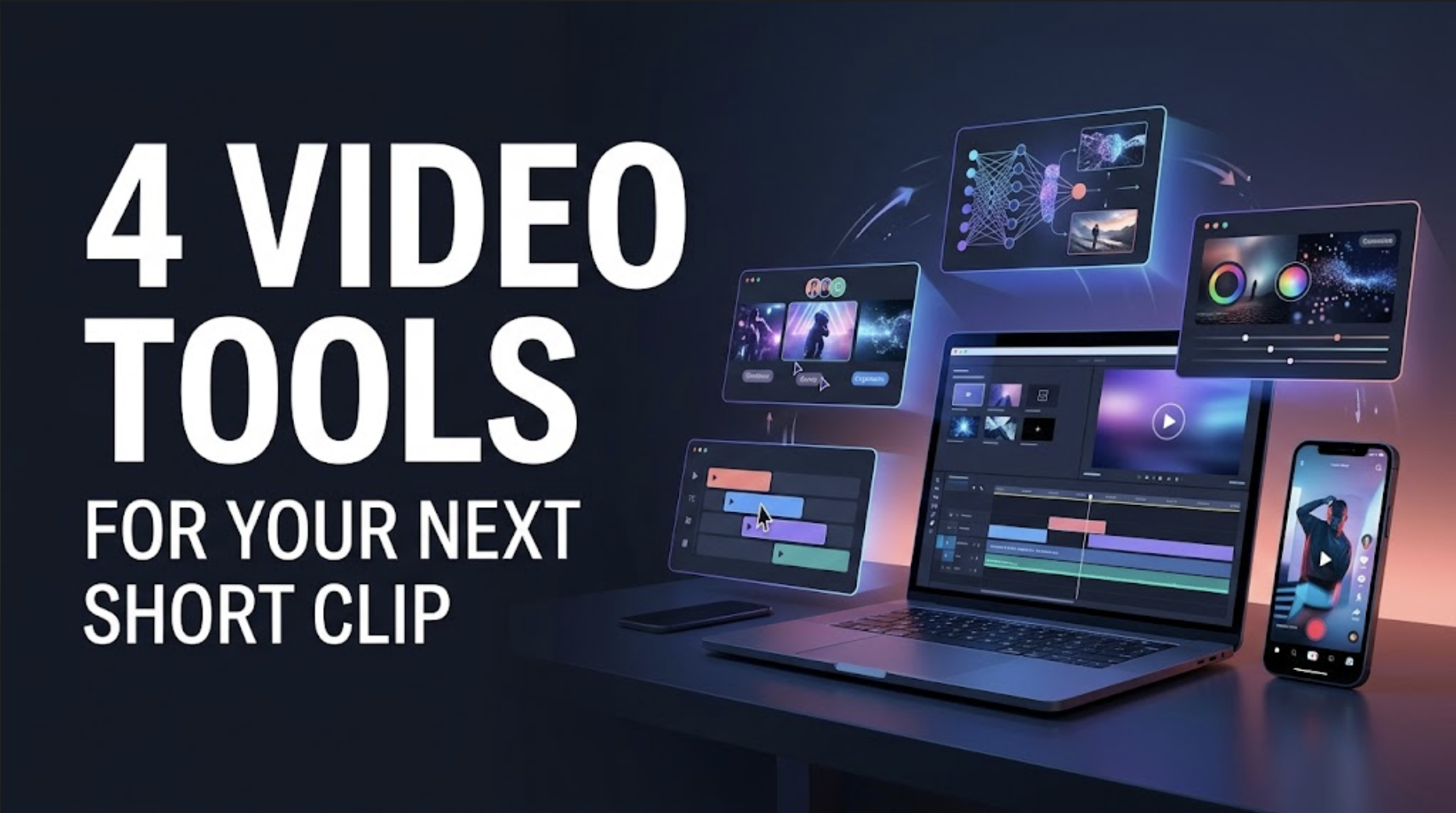
A phone camera is still a useful starting point for a creator, but not every idea needs to begin with a filmed scene. Sometimes the brief calls for a visual concept, a moving illustration, or a short sequence built around an original photograph. Choosing a video tool starts with understanding that brief. It should not start with an assumption that every AI-generated clip belongs in the finished story.
This shortlist includes Magic Hour, Runway, Adobe Firefly, and Canva as different candidates to consider. It is not a hands-on benchmark or a universal ranking. Check each service’s current features, available plans, export options, and usage terms before committing to a workflow. A tool is useful when it helps make the intended clip accurately and efficiently, not simply when its demo looks impressive.
1. Magic Hour for exploring generated video ideas
Magic Hour’s AI video generator gives creators a place to explore generated footage. A sensible use is an illustrative shot that supports a story: a stylized scene, a visual transition, or an imagined environment. Write a focused brief that states the subject, movement, mood, and intended message. Review the output before treating it as a finished asset.
When the starting point is a photograph or illustration that you own, consider the separate image-to-video AI workflow. An original still can provide a visual direction for a moving sequence. Check whether the resulting movement preserves the important details and whether the clip works when placed beside the rest of the edit.
Generated visuals should not be presented as footage of an event that actually happened. For coverage of a concert, travel destination, or product launch, real recordings remain the evidence. Use generated material as clearly identified illustration, and obtain permission before uploading recognizable people or other protected material.
2. Runway for a separate creative comparison
Runway is another candidate for creators exploring generative video. Include it in an evaluation when the project benefits from testing alternative visual directions. Compare candidates against the same creative objective instead of giving each a different assignment and declaring the most attractive result the winner.
A useful brief might describe a short atmospheric opening for an original story. Review movement, visual consistency, and editing effort. Keep a record of what you actually observed, and avoid inferring that one successful generation proves broad superiority. Account limits and features can differ, so confirm what your own plan includes.
3. Adobe Firefly for teams considering their creative pipeline
Adobe Firefly belongs on a shortlist when a creator is evaluating generative creative tools alongside an existing editing workflow. Consider the path from idea to approval: how an asset reaches the editor, which formats are required, and how teammates review it. Those practical details can matter as much as the first generated result.
Do not assume that an existing Adobe subscription includes every feature needed for a proposed project. Review the current offering, relevant account requirements, and permitted use. Compare the complete cost of producing a usable asset, including any additional editing tools that the workflow requires.
4. Canva for assembled short-form explainers
Canva is a separate option when the clip is primarily an assembled design rather than a generated scene. A creator may need a title card, original photos, accurate captions, and a simple sequence that explains an idea. Check the current tools available in the account rather than assuming that a particular AI feature is included.
For a factual product explanation, a real screenshot or approved photograph often communicates more clearly than invented imagery. Review text size and captions on the screen where viewers will actually watch. A useful short clip still needs a clear beginning, a readable message, and a sensible ending.
Choose with one realistic test
Define the intended audience, aspect ratio, duration, and quality requirements before evaluating tools. Use licensed or original inputs, protect private information, and make any required sponsorship or AI disclosure clear. Check commercial-use terms rather than assuming that generated output is unrestricted.
Then review the complete edit, not only an isolated preview. Ask whether the visual helps the audience understand the message and whether producing it created less work than the alternative. The strongest choice for a creator is the tool that fits the real assignment. A shortlist helps organize that decision; it does not replace careful review.